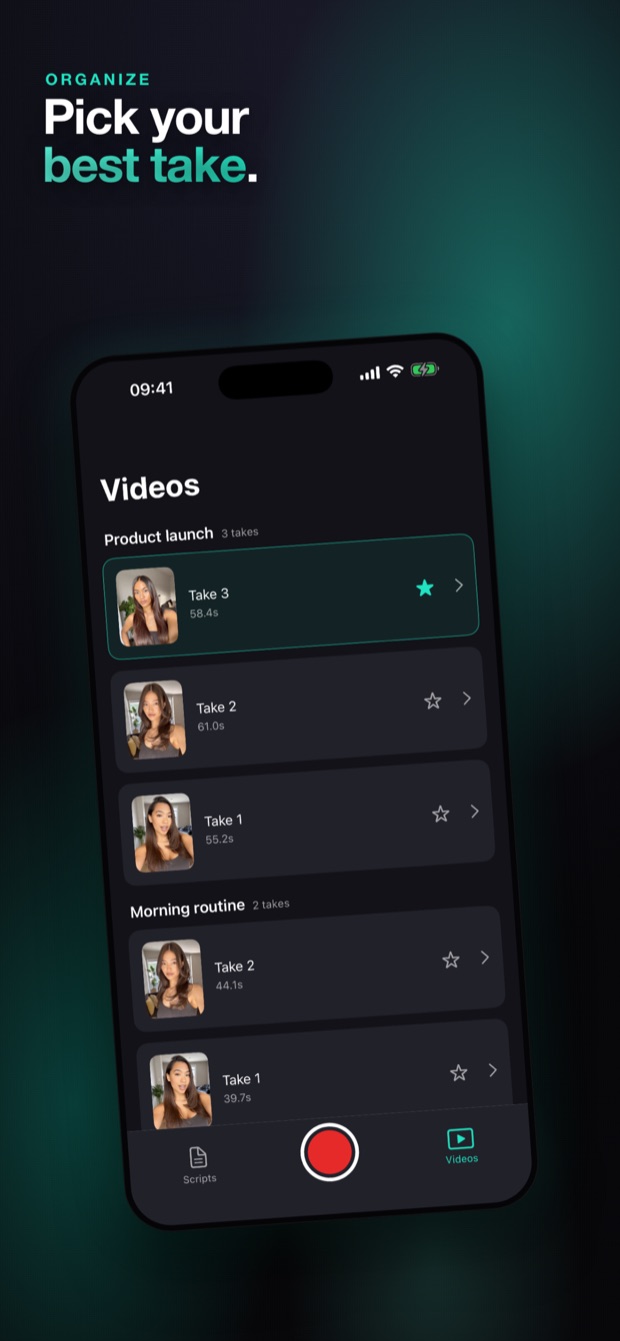
Stop memorizing. Stop re-recording. Paste your script, look straight into the lens, and Voice Scroll follows your voice word by word — then cut the dead air and export for TikTok, Reels, Shorts and YouTube. One take, every platform.
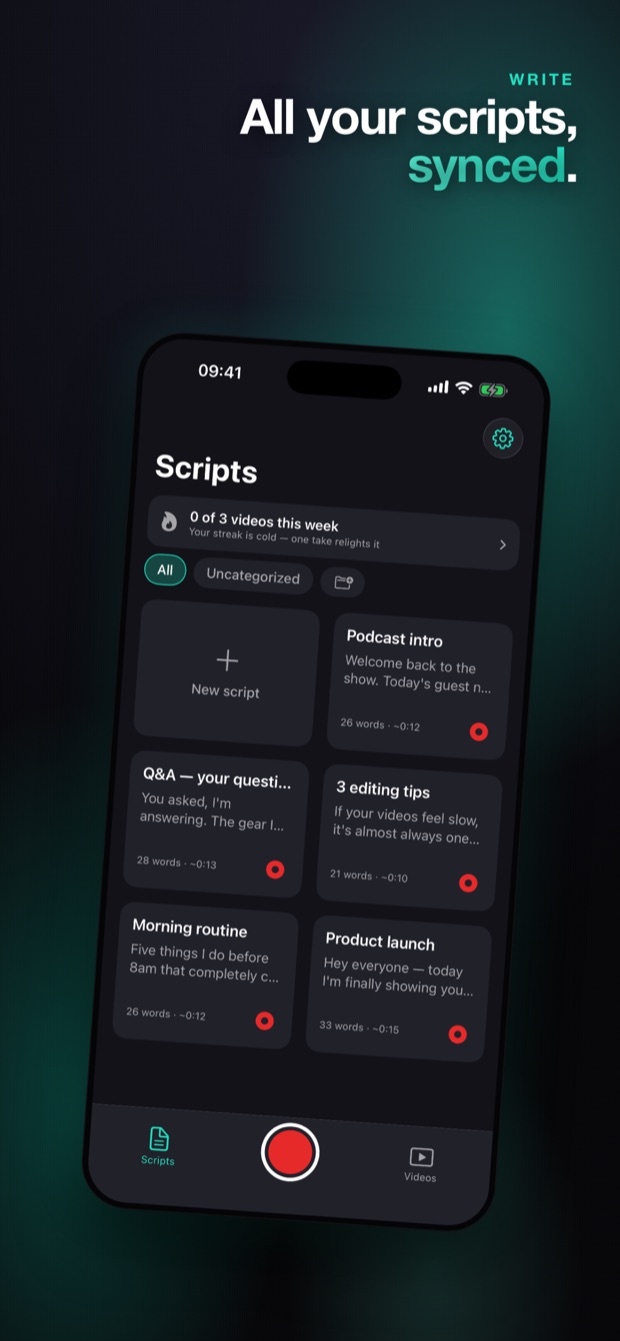
Type or paste your script in a clean, distraction-free editor. Add cue markers like [BREATH] for pacing, and keep every script in one place.
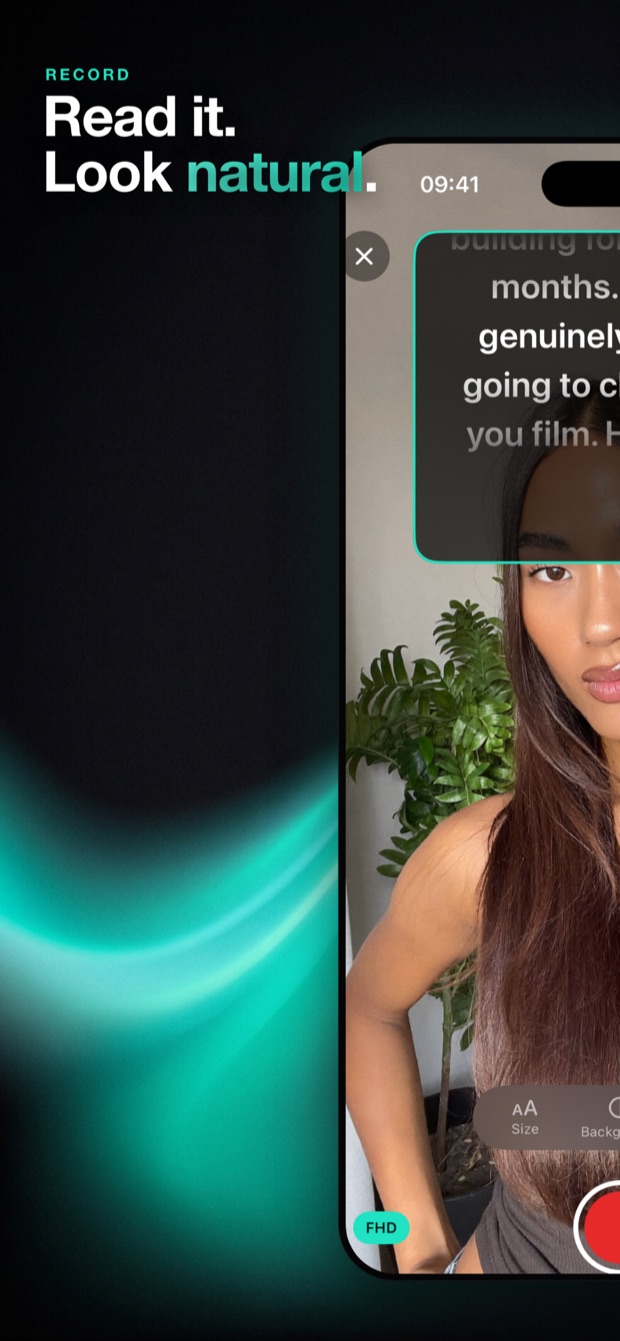
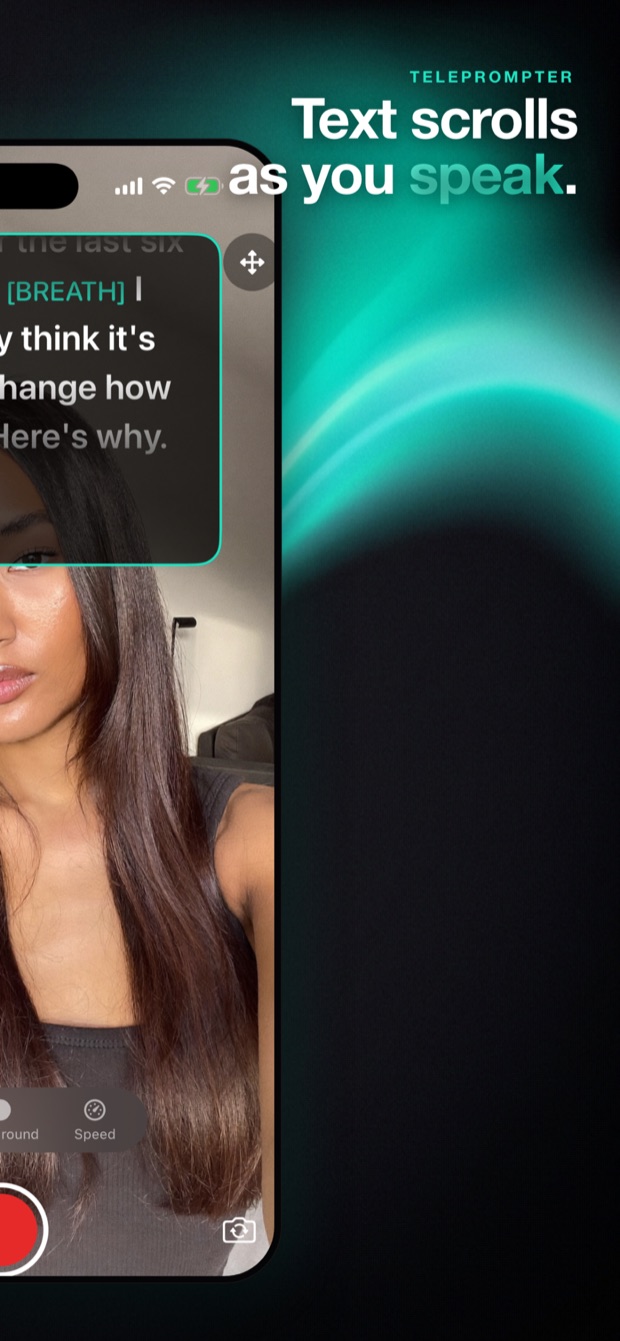
Hit record and read while the script scrolls right over the camera. Voice Scroll follows your speech — or set a fixed speed. Tap any line to jump mid-take. Full HDR.
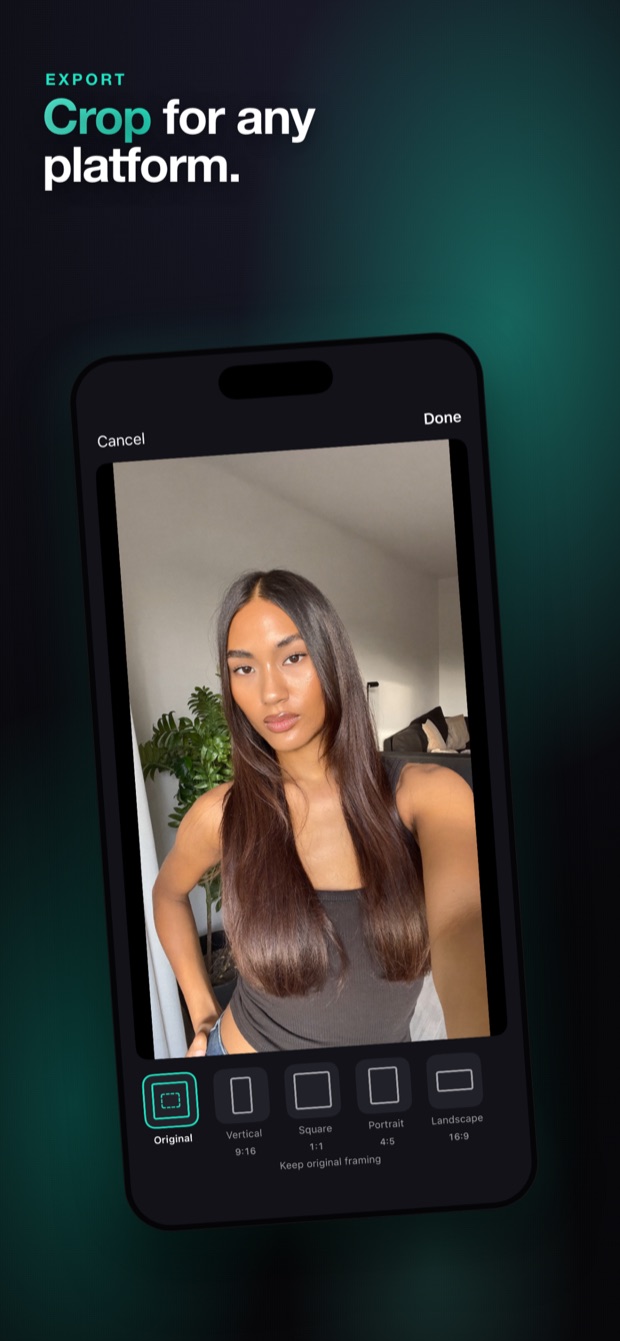
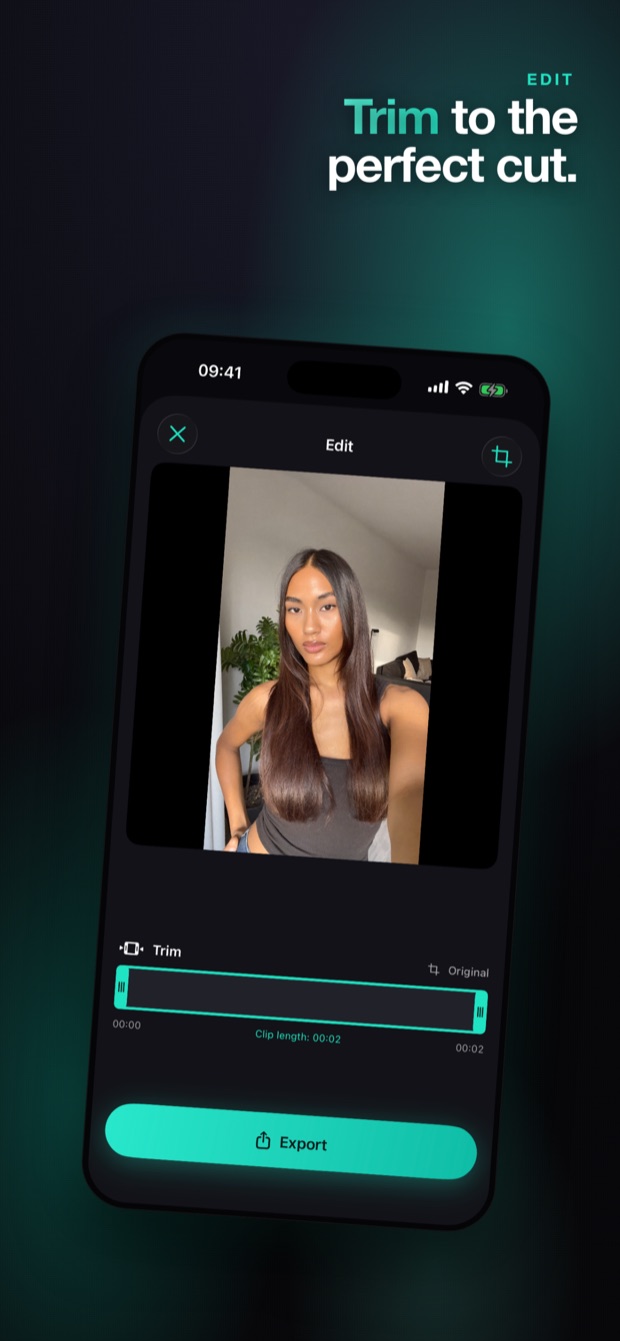
Cut mistakes on a visual timeline, auto-remove silent gaps, crop to 9:16, 1:1, 4:5 or 16:9, and save straight to Photos — ready for TikTok, Reels and YouTube.
Straight from the App Store — write, record, edit and export without ever leaving SayScene.


SayScene listens while you talk. The next line moves up as you speak and holds the moment you stop — so you never chase the text or race to catch it.

Trim on a visual timeline, delete the last clip and keep going instead of starting over, and let SayScene strip the silent gaps between sentences automatically.

One recording, every shape your audience watches. Crop to the platform you need and save straight to Photos, ready to upload.

Download the app and record as much as you want. Upgrade when you're ready to export.
| What you get | Free | Pro |
|---|---|---|
| Write scripts | ✓ | ✓ |
| Record with the teleprompter | ✓ | ✓ |
| Export to Photos | — | ✓ |
| All export formats | — | ✓ |
| Unlimited exports | — | ✓ |
| Auto-remove dead air | — | ✓ |
| Every future update | — | ✓ |
Practical guides for creators who talk to the camera — from beating memorization to nailing every platform's format.
What to look for in an iPhone teleprompter — and how SayScene covers script → record → export in one place.
Read the guide → Voice ScrollHow a teleprompter that follows your voice works, and why hands-free scrolling beats fixed speed.
Read the guide → TikTokScript punchy hooks, keep eye contact, and export perfect 9:16 vertical video.
Read the guide → ReelsFilm scripted Reels that sound natural — plus the right aspect ratios for feed and Stories.
Read the guide → YouTubeHow YouTubers read scripts without sounding robotic — for both long-form 16:9 and Shorts.
Read the guide → TechniqueWhy eye contact sells, and how an on-lens script overlay makes reading invisible.
Read the guide → ConfidenceStop freezing on camera. A repeatable workflow for confident, one-take delivery.
Read the guide → EditingClean up a take in minutes — cut pauses automatically and crop for every platform.
Read the guide →Download SayScene, paste your script, and record something you're proud of today.
Download on theApp Store